Your check-in code
Show your 6-digit code at the front desk to check in.
On the day of your class, open Home or Check in in your account.
Your 6-digit code shows under the class, with Check-in code · show at the front desk.
Tell the front desk your code. They type it in and you are checked in.
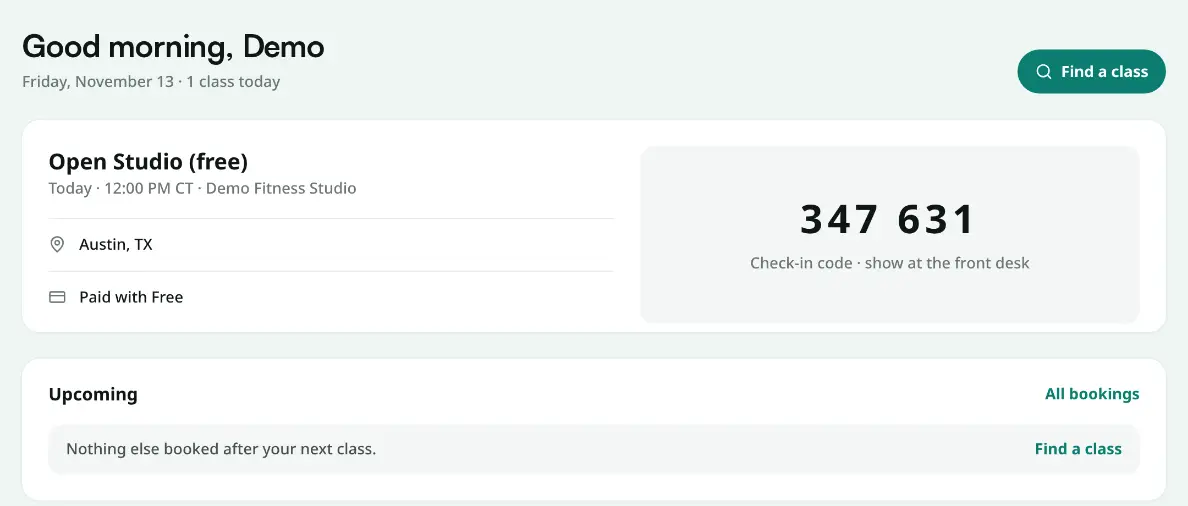
The code appears only on the day of the class. Check-in opens 1 hour before it starts.
Each booking has its own code, and it works once.