Share your booking link
Send people straight to your schedule from social posts, emails or texts.
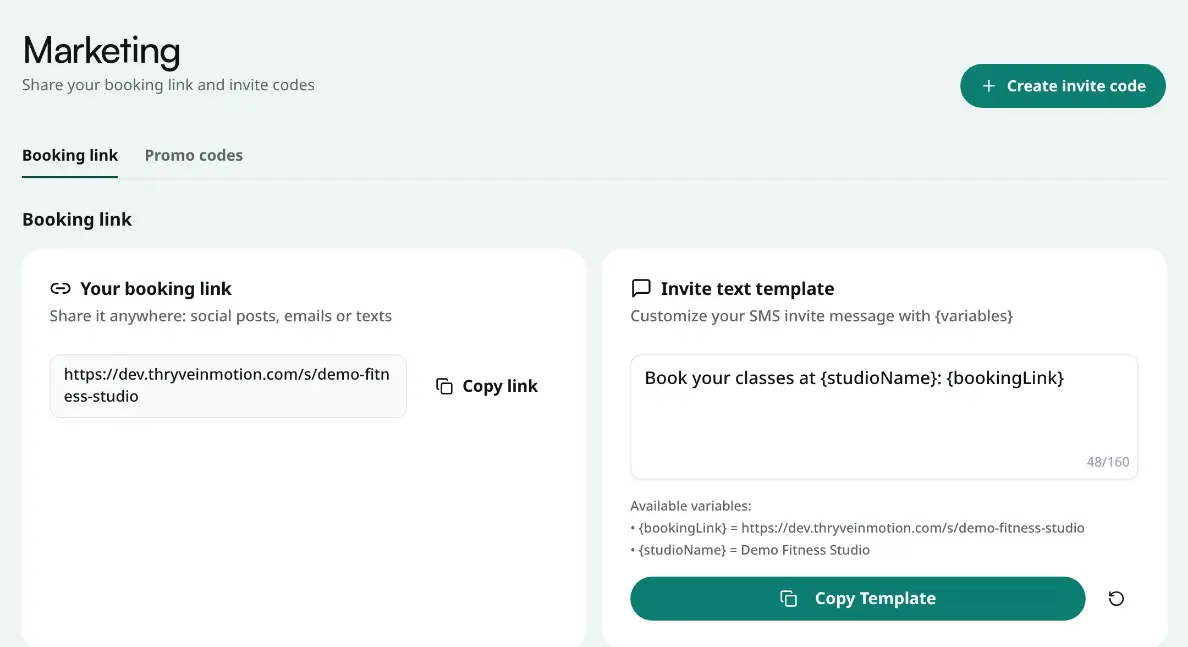
Open Marketing in the sidebar. The Booking link tab opens.
Under Your booking link, choose Copy link.
Paste the link into your bio, a post, an email or a text.
For a ready-made text, edit the Invite text template and choose Copy Template.
Your booking link is the same address as your storefront. People who open it see your classes and can book them.