Switch to the member side
Book classes as yourself without a second account.
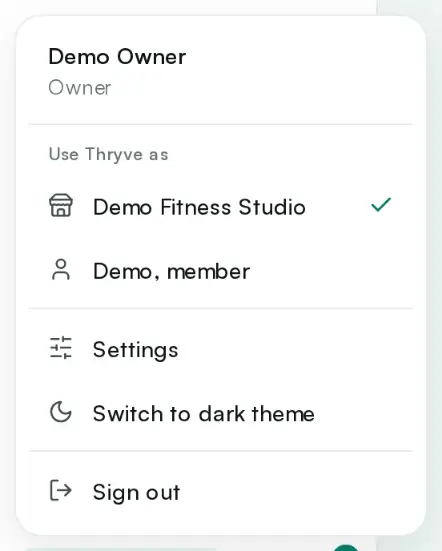
Choose your name at the bottom of the sidebar.
Under Use Thryve as, choose your name followed by "member".
Thryve opens Find a class. Book as any member would.
To go back, open the same menu and choose your studio.
Switching doesn't change your account. Your studio stays as it is, and Thryve remembers your choice until you close the tab. Instructors have the same menu.