Accept a studio invite
Join the team of a studio that invited you to teach.
Open the email from the studio and choose Review and accept. If you are new to Thryve, choose Set your password and review and set a password first. That link works for one hour.
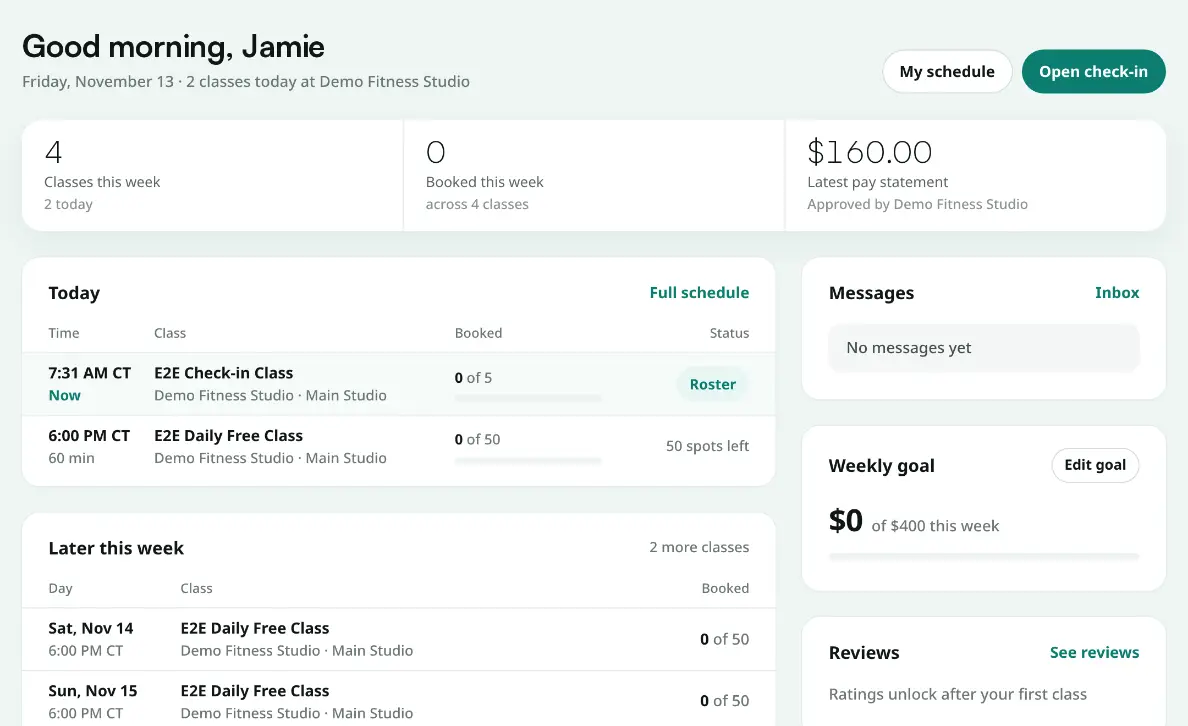
Sign in. The invite shows on your Home page with the pay model, rate and start date.
Choose Accept and join. You are now on the studio team.
By accepting, you agree to the studio's pay terms. When a studio changes your rate, a new card asks you to Accept terms or Decline.
Choose Decline if you do not want to join. You can add a reason for the studio.