Your pay statements
See what each studio approved and paid you, class by class.
Open Earnings in the sidebar.
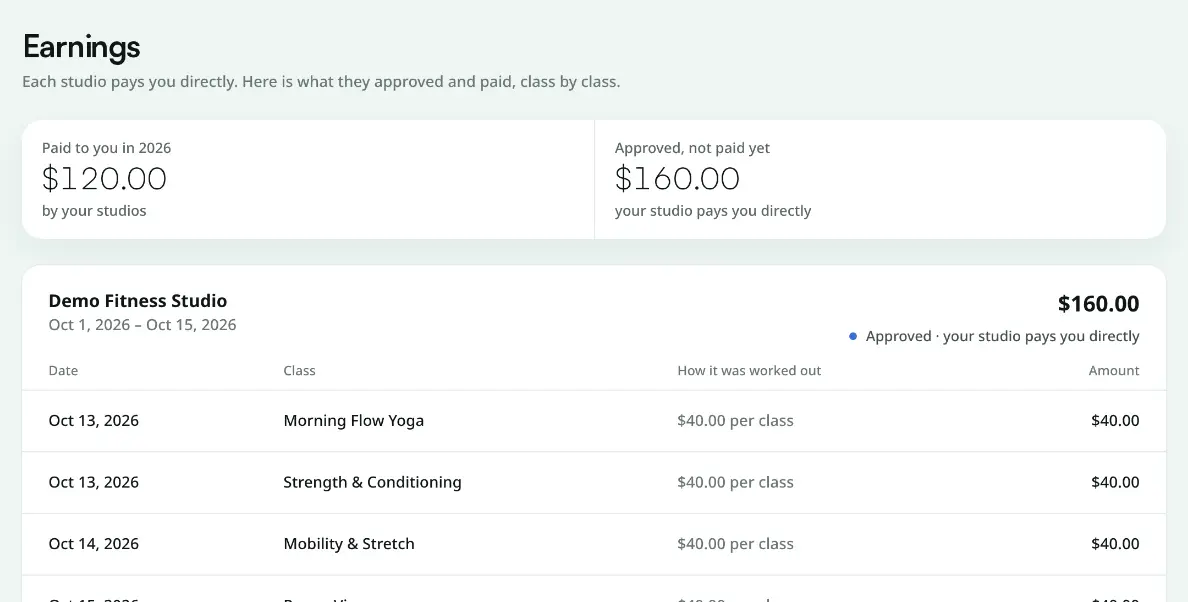
Each statement lists the classes in a pay period, how each amount was worked out and the total.
A statement shows Approved once the studio has approved it, and when it was paid and how once the studio has paid you.
Who pays you
Each studio pays you directly, by its own payroll, bank transfer, check or cash. Thryve calculates your pay from the terms you accepted but does not send the money.
Questions about an amount? Message the studio. They can add a correction to your next statement.