Create your account
Sign up to book classes on Thryve.
Open Sign up.
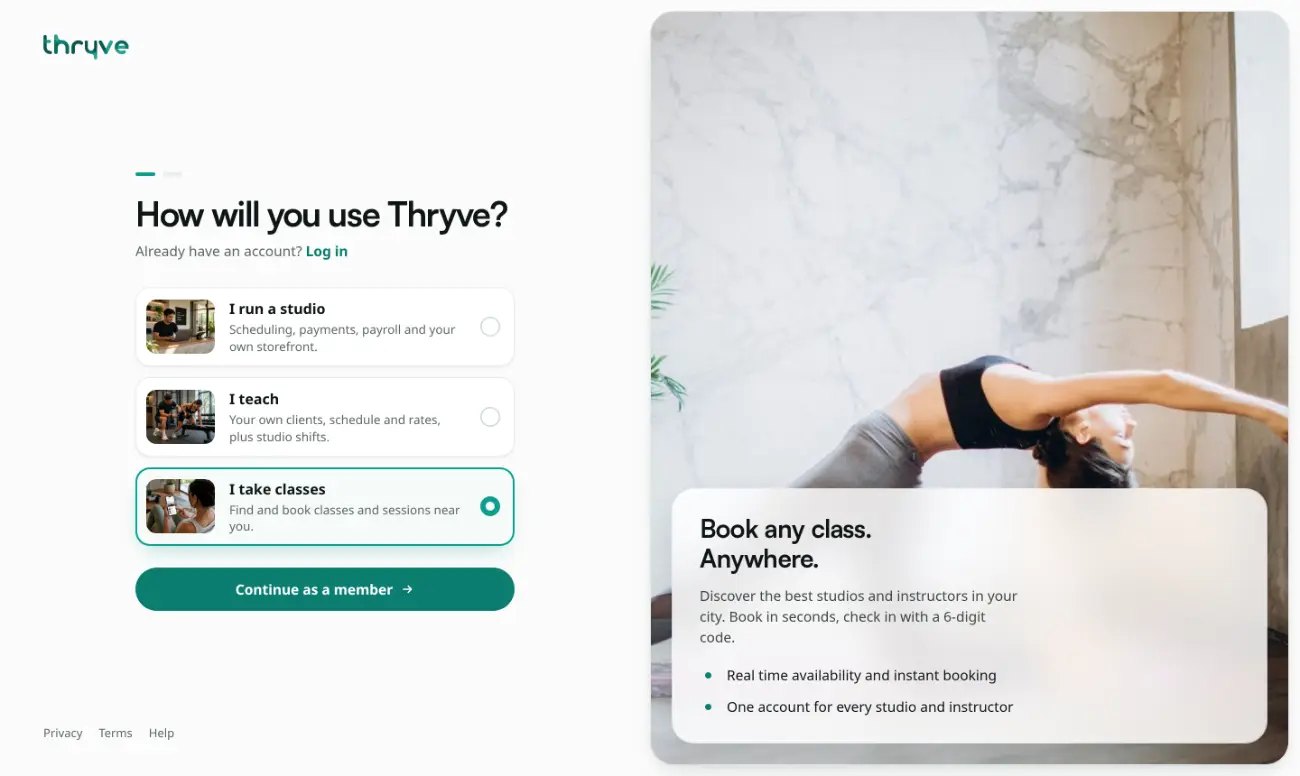
Under How will you use Thryve?, choose I take classes, then Continue as a member.
Sign up with Google or Apple, or enter your full name, email and a password and choose Create member account.
If you used email, open the confirmation email and confirm your address.
No email? Check your spam folder, or choose Resend email on the confirm screen.