Your account and password
Update your details, or reset a password you forgot.
To reset your password, choose Forgot password? on the sign-in page.
Enter your email and choose Send reset link.
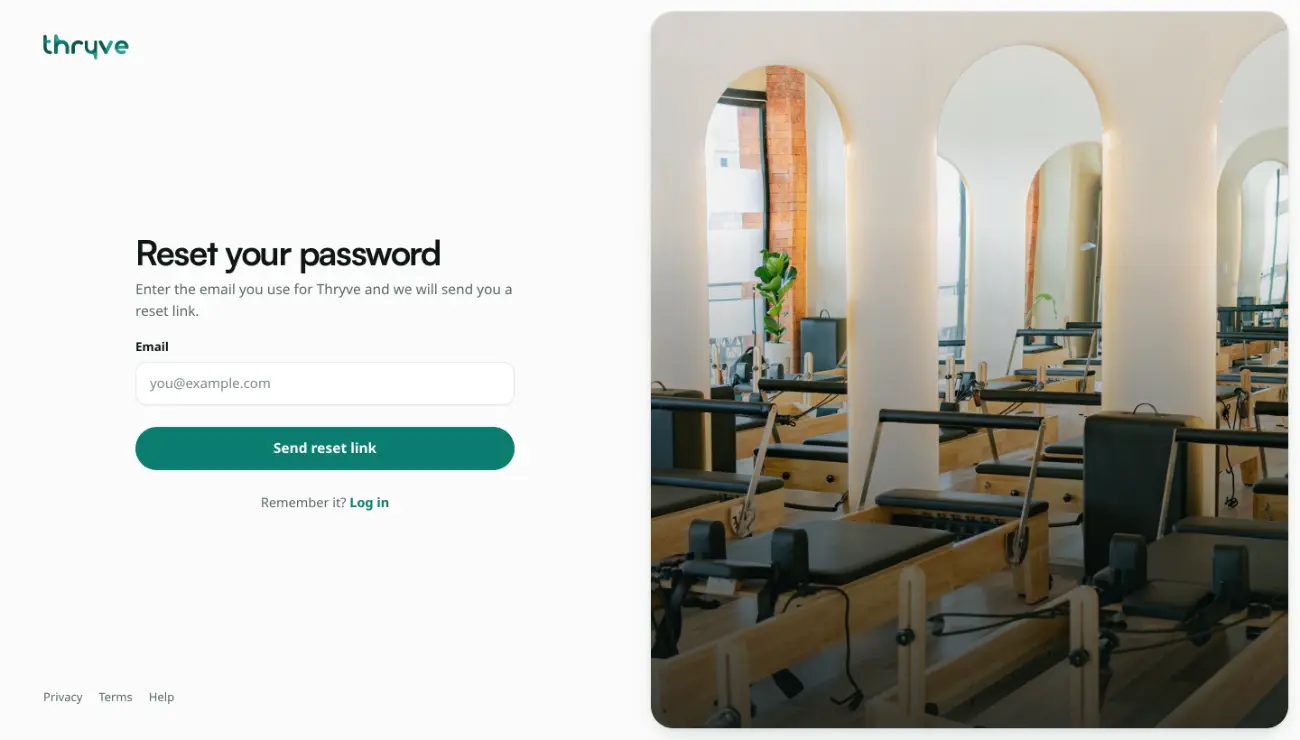
Reset your password. Open the email and set a new password. It needs at least 8 characters, with an uppercase letter, a lowercase letter and a number.
To change your details, open Profile in your account. Update them on the Details tab and choose Save changes.
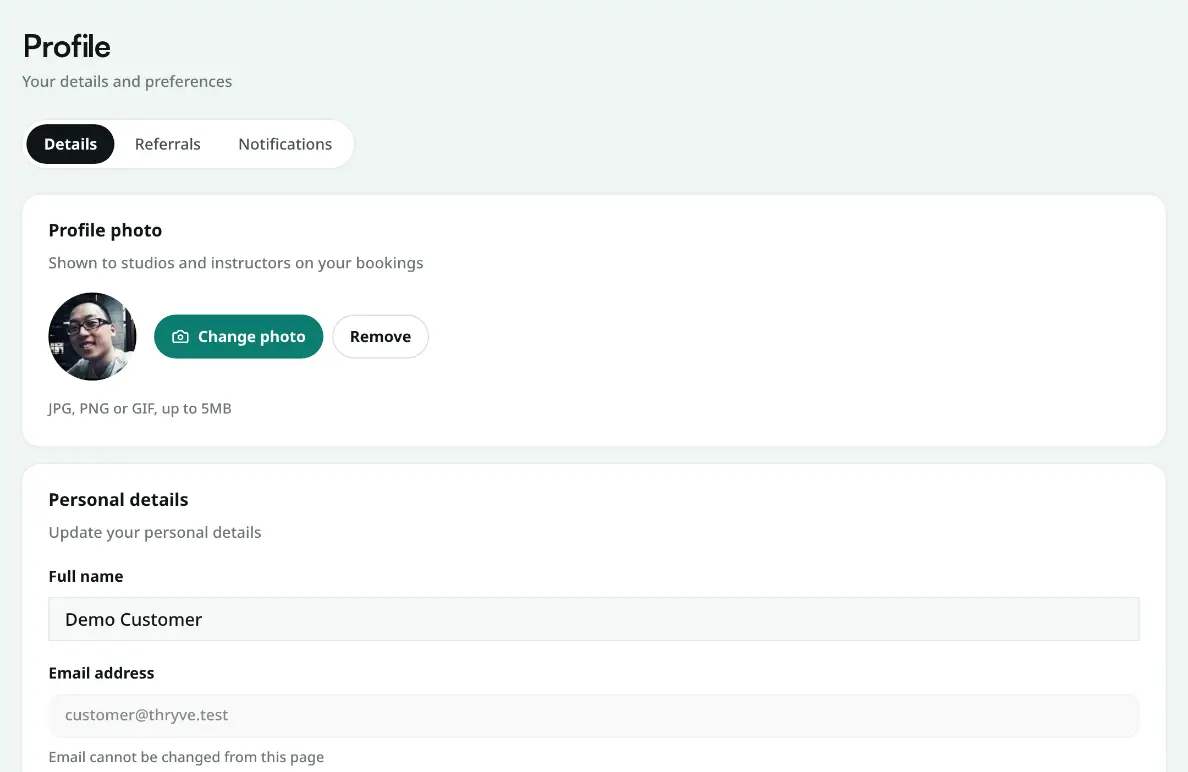
Profile, Details.
To change your password while signed in, use the reset link too. Your email address can't be changed from the Profile page. Contact us if you need to change it.
Notification settings are on the Notifications tab of your Profile.