Delete your account
Permanently remove your sign-in and personal details from Thryve.
Cancel any upcoming bookings you no longer want. Deleting your account does not cancel them.
Open Profile, then Details, and scroll to Delete account.
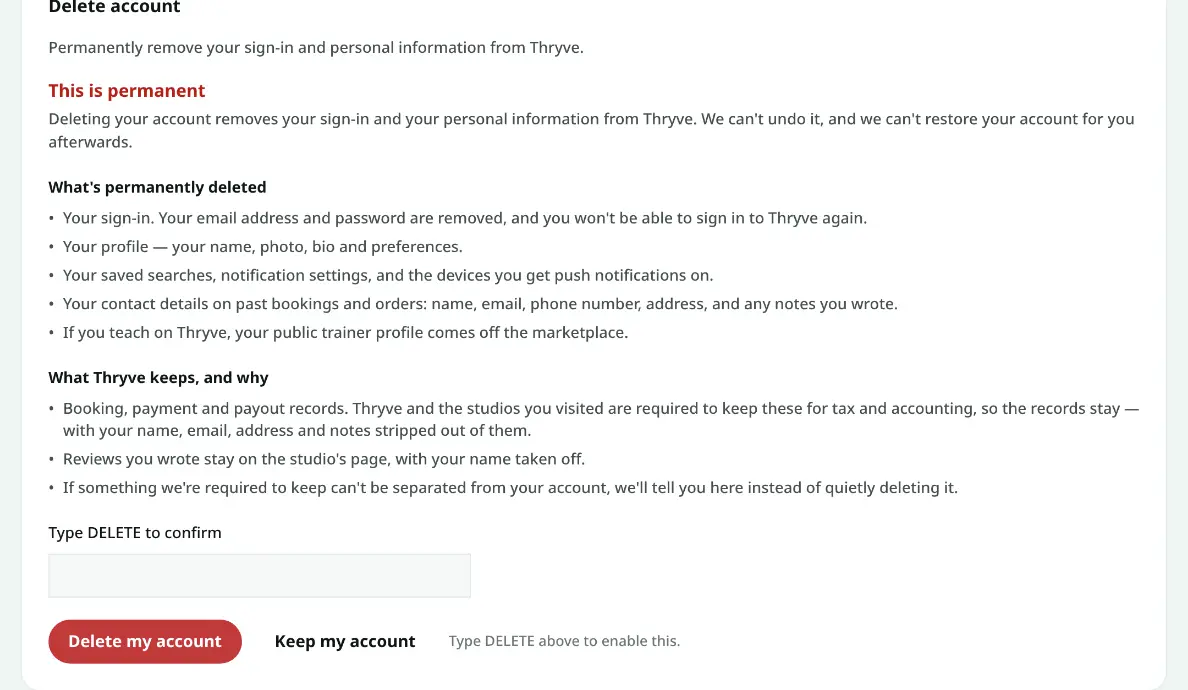
Choose Delete account and read what is deleted and what is kept.
Type DELETE in the box and choose Delete my account.
What Thryve keeps
Booking and payment records stay, because studios need them for tax and accounting, but your name and contact details are removed from them.
Studio owners
Delete account is in Settings for studio owners. Transfer your studio to someone else or close it first.